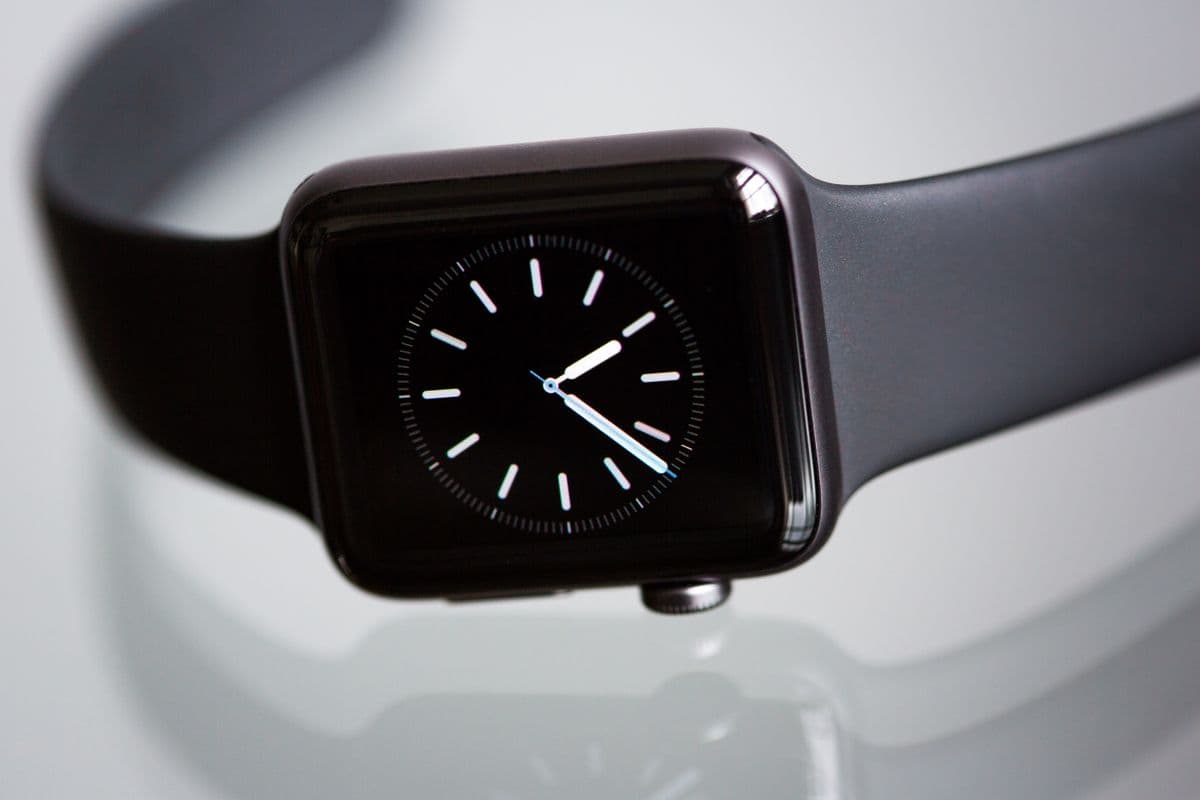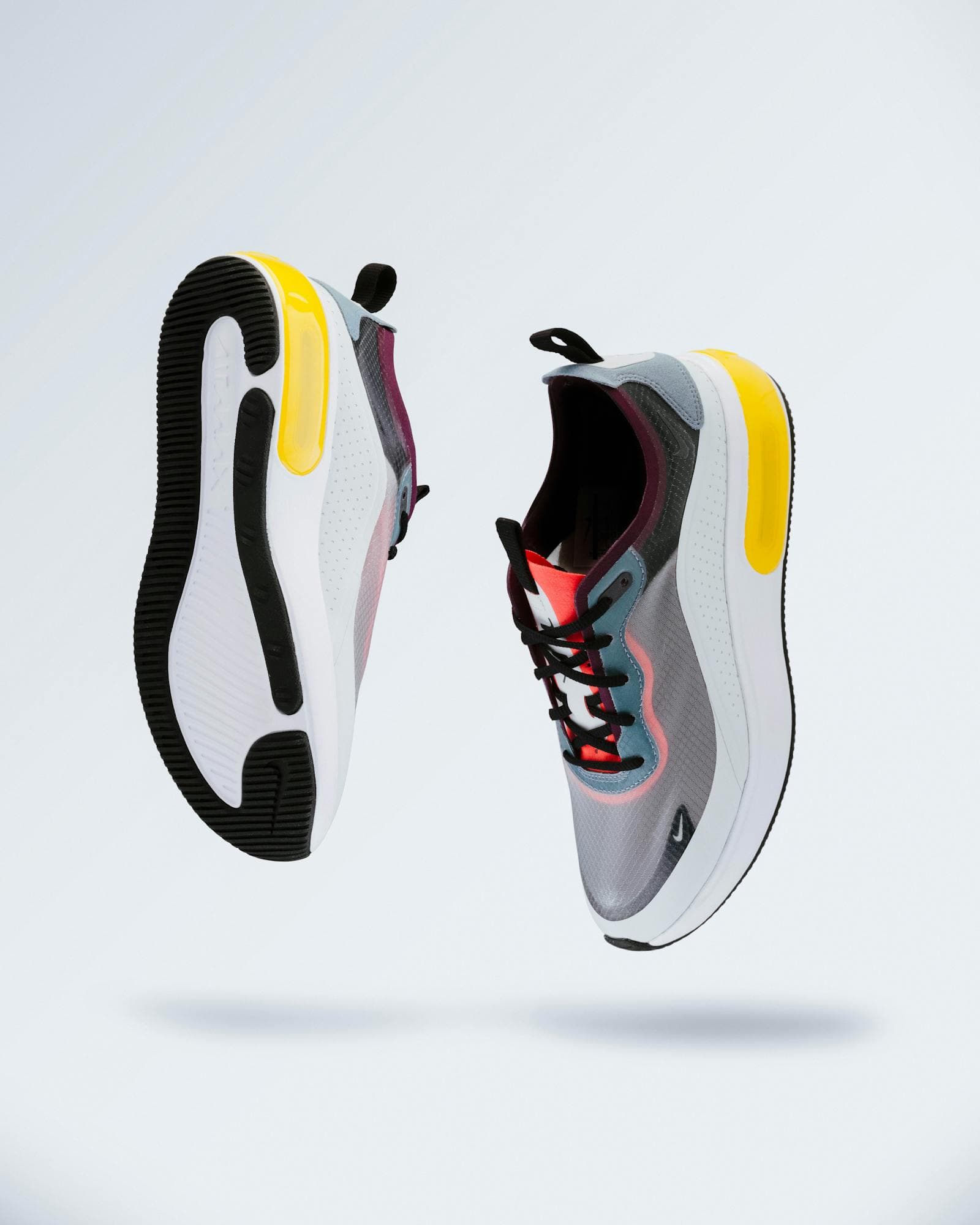
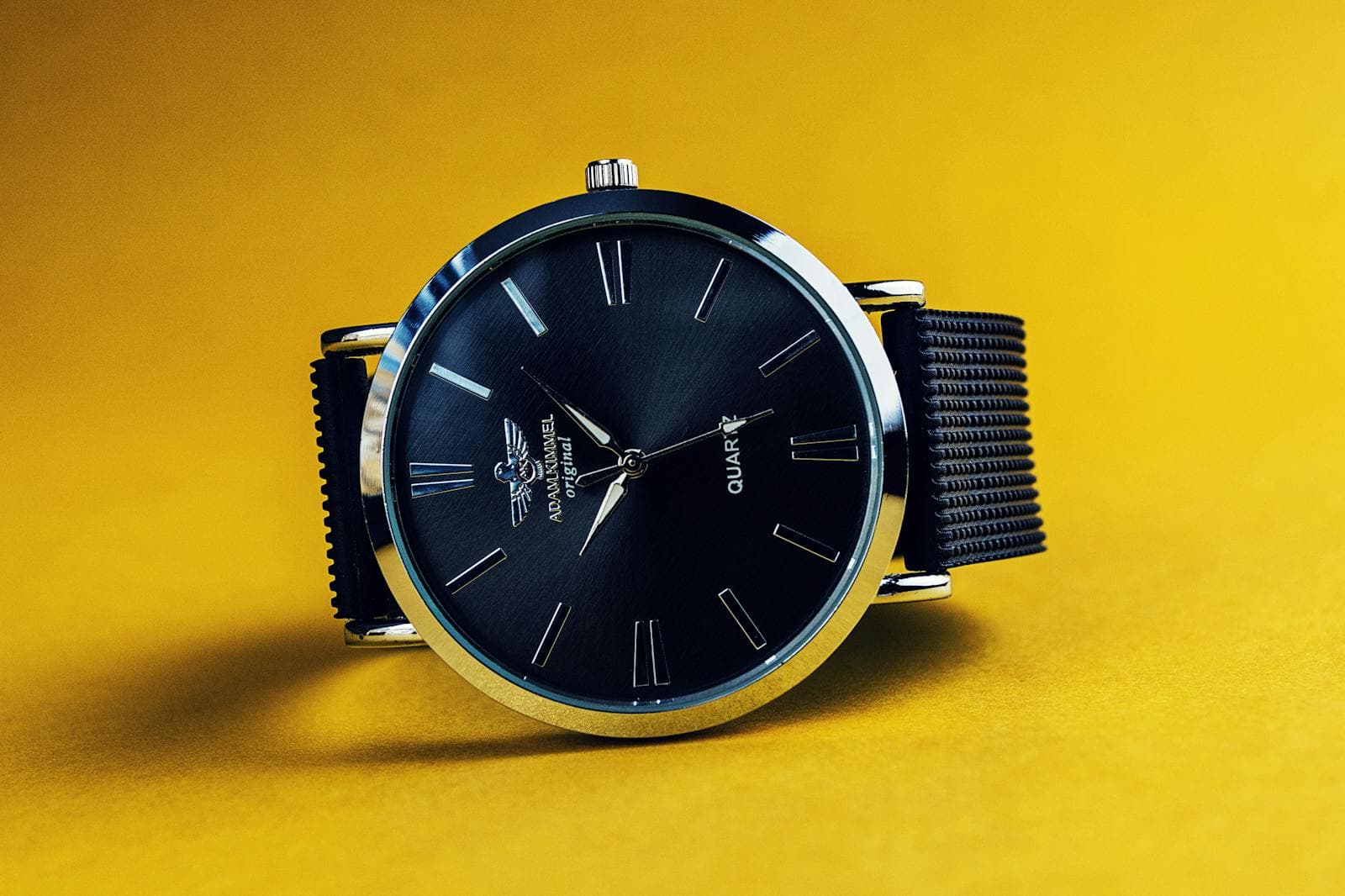
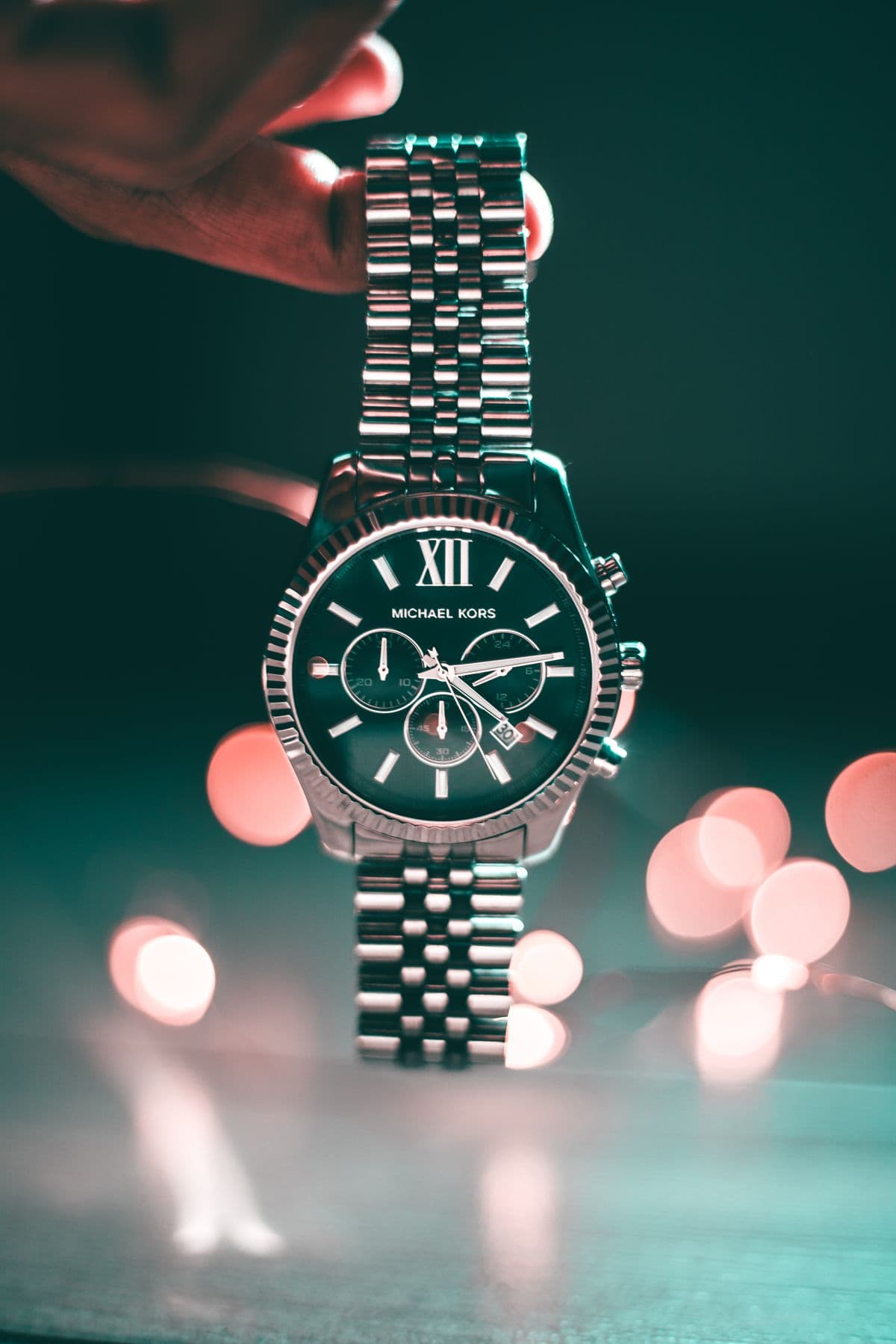
That consistency is what makes the output worth anything downstream. A product listing wants several angles that obviously belong together. An ad set wants the hero shot and its variations to share one identity so the creative feels deliberate. A 3D or modeling pipeline wants clean reference from multiple sides of the exact same form. In all three cases, the failure mode is the same: views that drift. If the cap is glossy in one frame and matte in the next, or the bottle gets taller between angles, the set stops being trustworthy. Multi-angle consistency is the difference between reference you can build on and images you have to throw out.
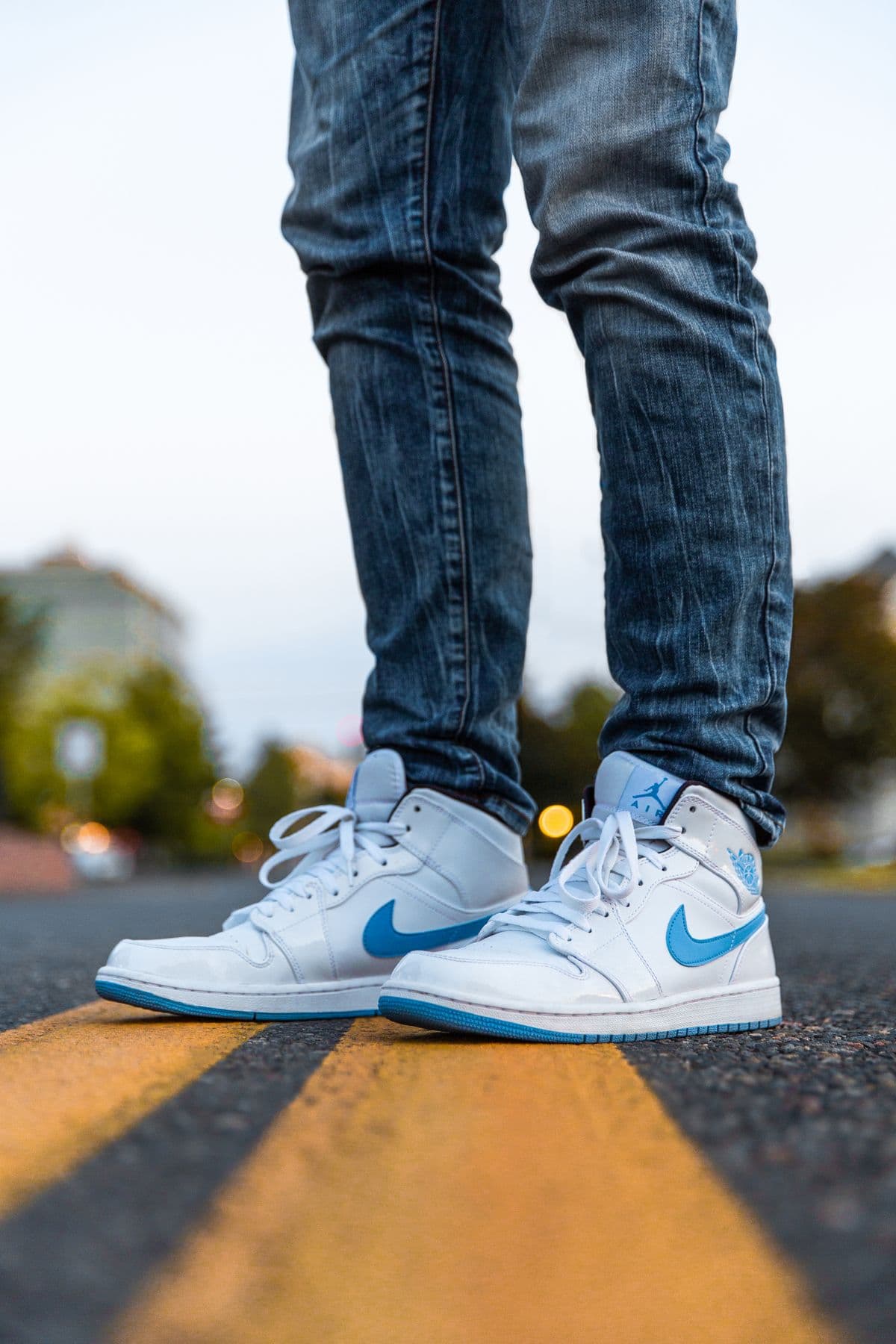
The workflow it replaces is slow and physical. Traditionally a coordinated angle set means a turntable, a lightbox or softbox setup, careful repositioning between every shot, and then hours of editing to clean backgrounds, match exposure, and align framing so the views sit together. Here you upload one reference photo and get the set back. There is no rig to build, no relighting between rotations, and no manual cleanup to force a dozen separate captures into a coherent group. The hours that went into setup and retouching collapse into a single upload.
The concrete use cases follow directly. For e-commerce, generate the full angle spread a product page needs without booking studio time per SKU. For marketplaces with strict image requirements, produce clean, on-white views that hold the same product identity across every slot. For ads and social, spin up a coordinated set of hero and supporting shots that share one look, so a campaign reads as one campaign. And for teams feeding 3D or design tools, the multi-angle output doubles as reference for the same object from several sides.
Here is the honest state of the lineup today. Product Photography is live right now: upload a reference and get clean catalog and studio-style shots of your item. The rest of the Products world is rolling out, not shipping yet. 360° Spins will produce rotating, turntable-style sets; Packshots will deliver clean e-commerce packshots; Background Swap will let you drop the product onto any background; Relight will let you change the lighting after the fact; and Lifestyle Sets will place the product into in-context scenes. Those are coming, not available today.
If the cap is glossy in one frame and matte in the next, the set stops being trustworthy. Multi-angle consistency is the difference between reference you can build on and images you throw out.